> For the complete documentation index, see [llms.txt](https://docs.hub88.io/llms.txt). Markdown versions of documentation pages are available by appending `.md` to page URLs; this page is available as [Markdown](https://docs.hub88.io/product-news/november-2025/promotions-for-suppliers-and-operators.md).
# Promotions for Suppliers and Operators
Streamlined campaign creation, participation, and tracking in HubConnect.
**Released: 10 November 2025**
***
Promotions functionality is now live in both HubConnect Zones, giving both suppliers and operators a central place to manage promotional campaigns across the Hub88 network.
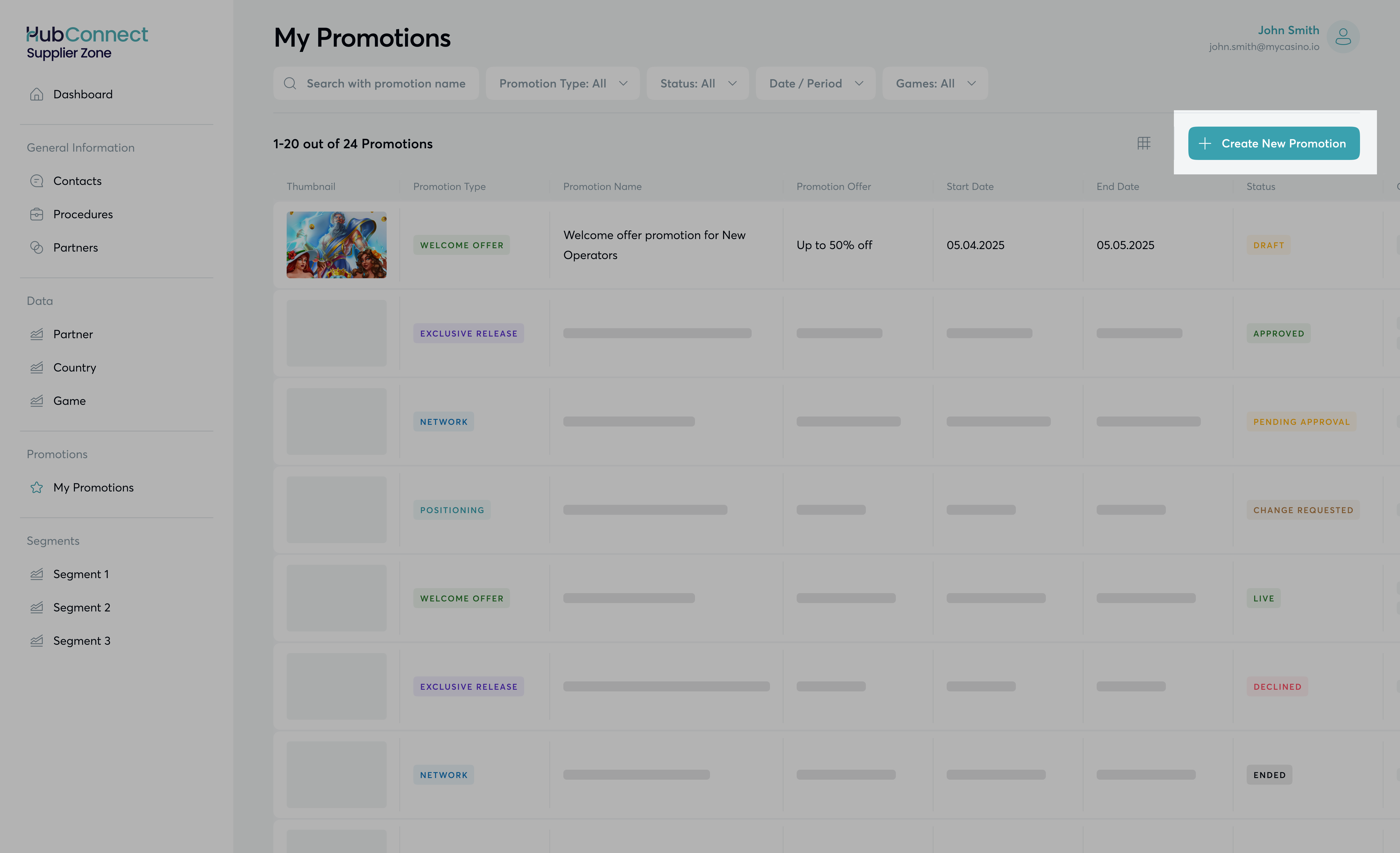
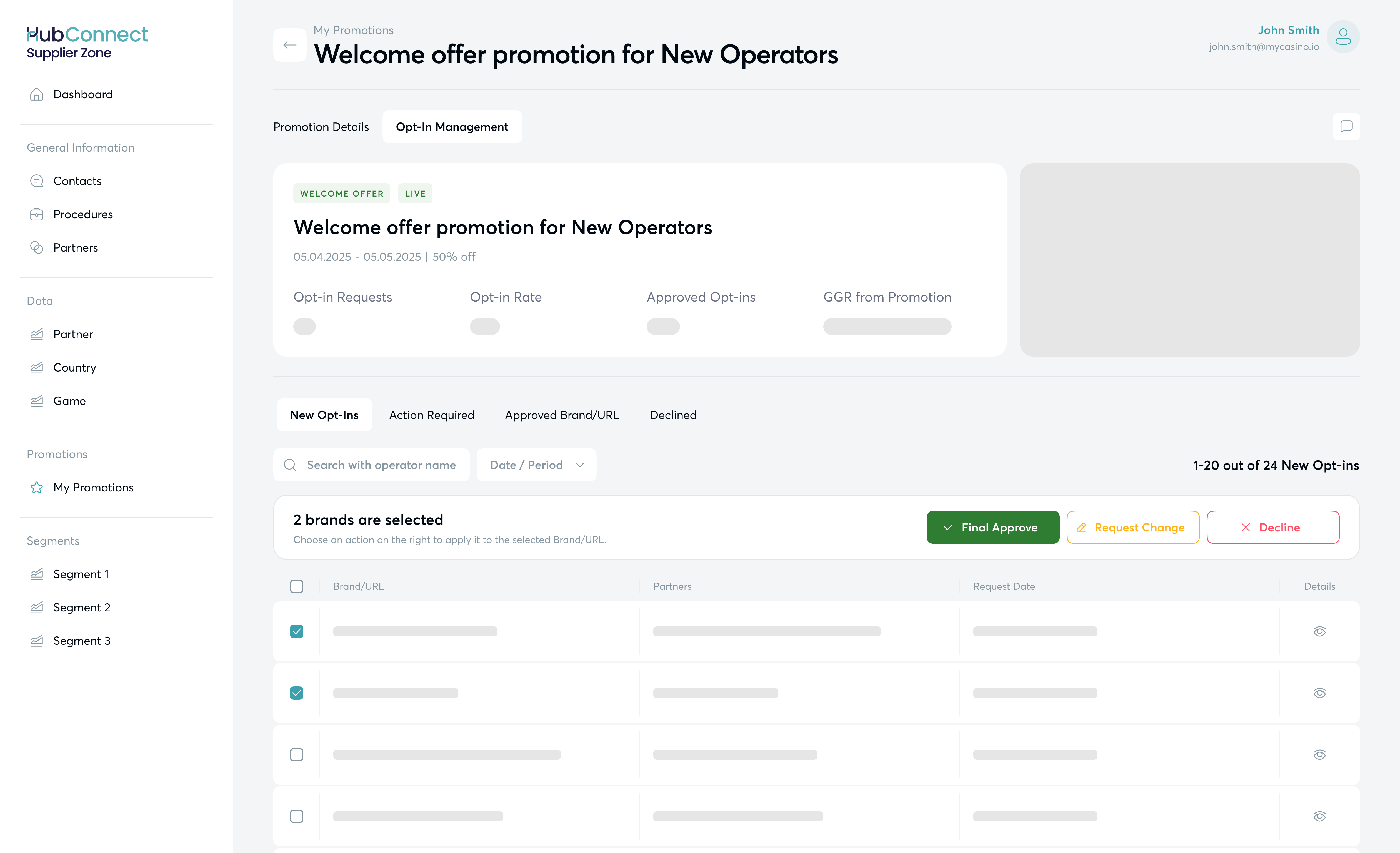
### With this release, **Suppliers** can:
* **Create and launch campaigns in a few clicks** – no more weeks of manual coordination.
* **Invite operators directly** and manage opt-ins through an approval flow.
* **Track campaign performance** with integrated GGR reporting.
Explore it directly in HubConnect Supplier Zone or in our [Knowledge Base](/hubconnect-supplier-zone/supplier-promotions.md).
***
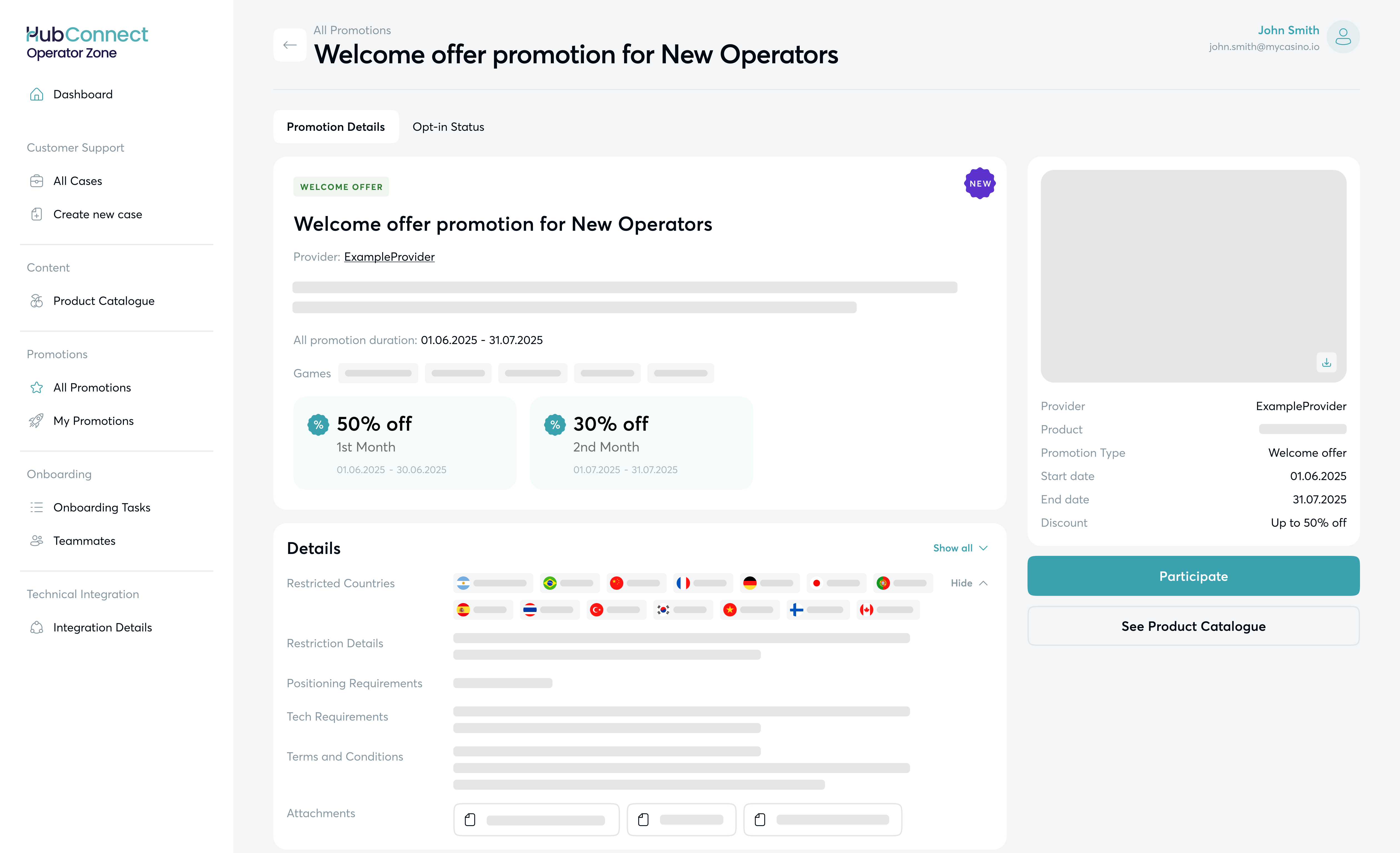
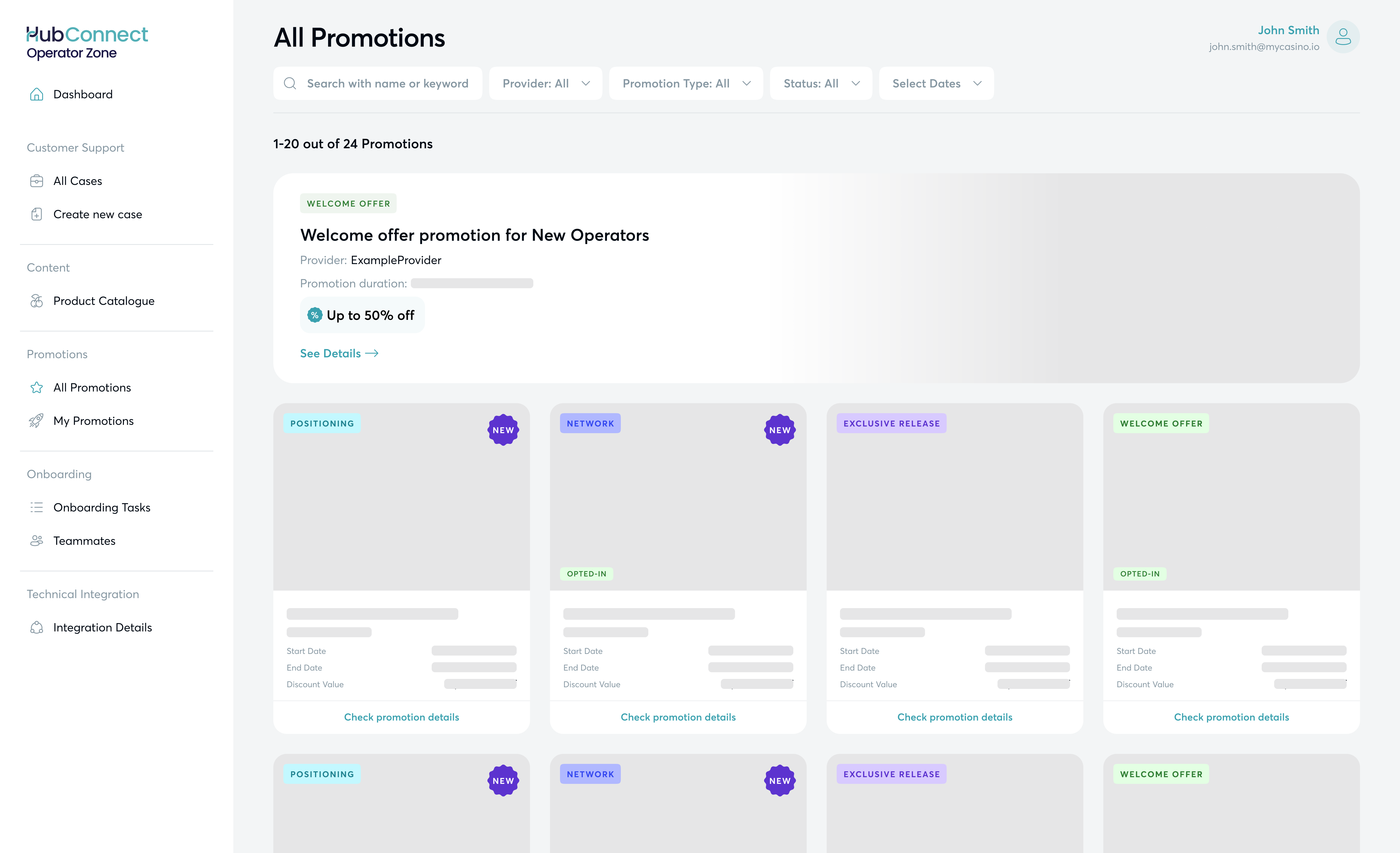
### **Operators**, benefit from:
* **Browsing all available promotions in one place**, with full visibility of details and requirements.
* **Opting in directly via Operator Zone**, without long email chains.
* **Submitting assets and updates for review** and tracking approval status in real time.
Explore it directly in HubConnect Operator Zone or in our [Knowledge Base](/hubconnect-operator-zone/promotions.md).
Both sides gain a transparent, structured process – from campaign creation to operator participation, approvals, and performance monitoring.
Find Promotions under HubConnect **Supplier Zone > My Promotions** or HubConnect **Operator Zone > Promotions** today.
---
# Agent Instructions
This documentation is published with GitBook. GitBook is the documentation platform designed so that both humans and AI agents can read, navigate, and reason over technical content effectively. Learn more at gitbook.com.
## Querying This Documentation
If you need additional information that is not directly available in this page, you can query the documentation dynamically by asking a question.
Perform an HTTP GET request on the current page URL with the `ask` query parameter, and the optional `goal` query parameter:
```
GET https://docs.hub88.io/product-news/november-2025/promotions-for-suppliers-and-operators.md?ask=&goal=
```
`ask` is the immediate question: it should be specific, self-contained, and written in natural language.
`goal` is optional and describes the broader end goal you are ultimately trying to accomplish on behalf of the user. GitBook uses it to tailor the answer towards what is most useful for that goal.
The response will contain a direct answer to the question and relevant excerpts and sources from the documentation.
Use this mechanism when the answer is not explicitly present in the current page, you need clarification or additional context, or you want to retrieve related documentation sections.